
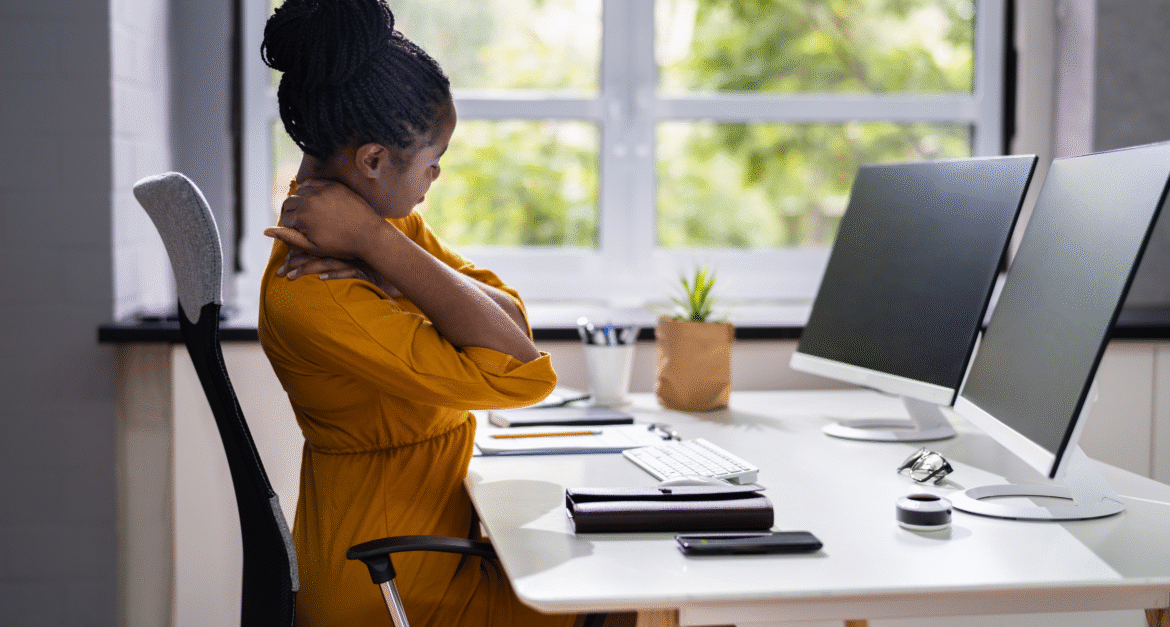
Working from home doesn’t have to mean sacrificing your physical health or dealing with chronic pain. At Barbour Orthopaedics & Spine, we understand that many professionals now spend countless hours in home offices that weren’t designed with ergonomics in mind. Poor workspace setup can lead to neck pain, back problems, and repetitive strain injuries that impact both your productivity and quality of life. Creating the best ergonomic home office setup is one of the most important investments you can make for your long-term musculoskeletal health.
The shift to remote work has brought new challenges for maintaining proper posture and preventing work-related injuries. Our orthopedic specialists have helped thousands of patients in Georgia address pain and dysfunction caused by poor home office ergonomics. The good news is that with proper planning and the right equipment, you can create an ergonomic workspace that supports your body and enhances your performance while working from home.
Understanding the Impact of Poor Home Office Ergonomics
Many people underestimate the significant impact their workspace has on their physical health. Unlike traditional offices that may have ergonomic assessments and proper furniture, home offices are often improvised spaces that can create serious musculoskeletal problems over time.
The Hidden Costs of Poor Setup: Working in non-ergonomic positions places excessive stress on your spine, joints, and soft tissues. This can lead to muscle imbalances, chronic pain, and decreased productivity. Common issues include forward head posture from poorly positioned monitors, rounded shoulders from inadequate desk height, and lower back pain from unsupportive seating.
Cumulative Effects: Ergonomic problems develop gradually, often going unnoticed until they become significant sources of pain and dysfunction. What starts as minor discomfort can progress to chronic conditions requiring medical intervention if workspace issues aren’t addressed promptly.
The Remote Work Reality: Home offices present unique challenges, including limited space, multi-use furniture, and distractions that can lead to prolonged periods in poor positions. Many people work from kitchen tables, couches, or beds, creating ergonomic disasters that their bodies pay for over time.
At Barbour Orthopaedics & Spine, we’ve seen a significant increase in work-related musculoskeletal complaints since the rise of remote work, making proper ergonomic home office setup more important than ever.
Essential Components of the Best Ergonomic Home Office Setup
Creating an effective ergonomic workspace requires attention to multiple components that work together to support your body throughout the workday. Each element plays a crucial role in maintaining proper posture and preventing injury.
The Foundation: Choosing the Right Ergonomic Chair
Lumbar Support is Critical: Your chair should provide adequate support for the natural curve of your lower back. Look for chairs with adjustable lumbar support that can be positioned to fit your spine’s natural contour. This support helps maintain proper posture and reduces stress on your lower back muscles and discs.
Seat Height and Depth: Your feet should rest flat on the floor with your knees at approximately 90-degree angles. If your feet don’t reach the floor comfortably, use a footrest. The seat depth should allow 2-3 inches of space between the back of your knees and the front of the seat to avoid pressure on your legs.
Armrest Positioning: Adjustable armrests should support your forearms while keeping your shoulders relaxed. Your arms should rest comfortably with your elbows at about 90 degrees when typing. Armrests that are too high can cause shoulder tension, while those too low provide insufficient support.
Monitor Positioning for Optimal Viewing
Screen Height and Distance: Your monitor should be positioned so the top of the screen is at or slightly below eye level when you’re sitting upright. The screen should be about 20-26 inches away from your eyes – roughly an arm’s length. This positioning helps maintain a neutral neck posture and reduces eye strain.
Multiple Monitor Setup: If using multiple monitors, position your primary monitor directly in front of you with secondary monitors at slight angles. Avoid setups that require constant neck rotation, which can lead to muscle imbalances and pain.
Monitor Stands and Arms: Adjustable monitor stands or articulating arms allow for precise positioning and can be adjusted throughout the day to accommodate different tasks or changes in posture.
Keyboard and Mouse Placement for Ergonomic Workspace
Neutral Wrist Position: Your keyboard should be positioned so your wrists remain in a neutral position while typing. Avoid resting your wrists on the desk or keyboard, which can compress nerves and lead to repetitive strain injuries.
Mouse Proximity: Keep your mouse close to your keyboard at the same height. Reaching for a mouse that’s too far away or at a different level can cause shoulder and neck strain over time.
Ergonomic Input Devices: Consider ergonomic keyboards and mice designed to promote natural hand and wrist positions. These devices can be particularly beneficial for people who type extensively or have a history of repetitive strain injuries.
Desk Setup and Environmental Considerations
The layout and organization of your workspace significantly impact your posture and movement patterns throughout the day. A well-organized ergonomic home office setup promotes efficiency while supporting proper body mechanics.
Optimal Desk Configuration
Desk Height for Ergonomic Home Office: Your desk should allow your elbows to rest at approximately 90 degrees when your shoulders are relaxed. For most people, this means a desk height of 28-30 inches, though individual needs may vary based on body proportions.
Standing Desk Options: Adjustable height desks that allow alternating between sitting and standing can reduce the negative effects of prolonged sitting. When standing, maintain the same arm and viewing angles as when seated.
Surface Organization: Ensure adequate surface space to accommodate all necessary equipment without crowding. Frequently used items should be within easy reach to avoid repetitive reaching or stretching motions.
Lighting and Environmental Factors
Natural Light Integration: Position your ergonomic workspace to take advantage of natural light while avoiding glare on your screen. Natural light can improve mood and energy levels while reducing eye strain.
Task Lighting: Provide adequate lighting for detailed work without creating screen glare. Adjustable desk lamps allow you to direct light where needed while maintaining optimal screen visibility.
Temperature Control: Maintain comfortable temperature and humidity levels in your workspace. Poor environmental conditions can lead to muscle tension and decreased comfort during extended work periods.
Movement and Break Strategies
Even the most perfectly designed ergonomic home office setup cannot completely counteract the negative effects of prolonged static posturing. Regular movement and strategic breaks are essential components of maintaining musculoskeletal health while working from home.
The Importance of Regular Movement
Breaking Up Static Postures: The human body is designed for movement, not prolonged sitting. Even with perfect ergonomics, staying in any position for extended periods can lead to muscle fatigue, reduced circulation, and joint stiffness.
Micro-Breaks Throughout the Day: Take 30-60 second breaks every 30 minutes to change positions, stretch, or simply move. These micro-breaks can significantly reduce muscle tension and fatigue without significantly impacting productivity.
Scheduled Movement Breaks: Plan longer breaks every 1-2 hours for more substantial movement and stretching. Use these breaks for activities like walking, stretching routines, or simple exercises that counteract prolonged sitting postures.
Simple Exercises and Stretches for Home Office Workers
Neck and Shoulder Relief: Gentle neck rotations, shoulder rolls, and upper trapezius stretches can relieve tension that builds up from prolonged computer work. Hold stretches for 15-30 seconds and repeat several times throughout the day.
Spinal Mobility: Simple spinal extension exercises, seated twists, and side bends can help maintain spinal mobility and counteract the flexed postures common in desk work.
Eye Rest Techniques: Follow the 20-20-20 rule: every 20 minutes, look at something 20 feet away for at least 20 seconds. This helps reduce eye strain and provides a natural break from close-up work.
Common Ergonomic Mistakes and Solutions
Understanding common ergonomic pitfalls helps you create a more effective workspace and avoid problems that can develop over time in your home office environment.
Monitor and Screen Issues
Screen Positioning Problems: Many people position monitors too low, leading to neck flexion and forward head posture. Laptop users are particularly susceptible to this problem when working directly on the laptop screen for extended periods.
Glare and Lighting Issues: Working with screen glare or inadequate lighting forces poor postures as people lean forward or tilt their heads to see clearly.
Seating and Posture Problems in Home Office Ergonomics
Inadequate Seating: Using dining room chairs, couches, or other furniture not designed for extended work can create numerous postural problems and discomfort.
Poor Chair Adjustment: Even well-designed ergonomic chairs can cause problems if not properly adjusted to an individual’s body dimensions and work tasks.
Foot Support Issues: Dangling feet or improper foot positioning can lead to poor posture throughout the entire kinetic chain, affecting everything from ankle alignment to spinal positioning.
When to Seek Professional Help
While a proper ergonomic home office setup can prevent many musculoskeletal problems, certain situations warrant professional evaluation and treatment from orthopedic specialists.
Warning Signs That Need Attention
Persistent Pain: Pain that persists despite ergonomic improvements or continues after work hours may indicate underlying issues that require medical evaluation.
Progressive Symptoms: Symptoms that worsen over time or begin to interfere with daily activities outside of work should be evaluated promptly.
Numbness or Tingling: These symptoms may indicate nerve compression or other conditions that require professional diagnosis and treatment.
Functional Limitations: Difficulty performing work tasks or daily activities due to pain or stiffness warrants professional evaluation.
The Barbour Orthopaedics Approach to Workplace Ergonomics
At Barbour Orthopaedics & Spine, we understand that preventing work-related injuries is more effective and less costly than treating them after they develop. Our comprehensive approach addresses both immediate ergonomic concerns and long-term musculoskeletal health.
Comprehensive Assessment and Solutions
Individual Evaluation: We assess each patient’s specific work requirements, physical limitations, and ergonomic challenges to develop personalized recommendations for their home office setup.
Movement Analysis: Our specialists evaluate posture and movement patterns to identify problems that may not be immediately apparent but can lead to issues over time.
Education and Training: We provide detailed education about proper ergonomics, movement strategies, and injury prevention techniques specific to home office environments.
Treatment and Prevention Integration
Injury Treatment: When ergonomic problems have already caused injury or pain, we provide comprehensive treatment, including physical therapy, injections, and other interventions as needed.
Prevention Strategies: We work with patients to implement long-term strategies for maintaining musculoskeletal health while working from home.
Follow-Up Care: Regular follow-up ensures that ergonomic improvements are effective and addresses any new concerns that may develop as work situations change.
Your Path to the Best Ergonomic Home Office
Creating an effective ergonomic home office setup is an investment in your long-term health and productivity. The principles outlined here provide a foundation for developing an ergonomic workspace that supports your body while you work, but remember that individual needs may vary based on your specific situation, body type, and work requirements.
The key to success lies in understanding that ergonomics is not a one-time setup but an ongoing process of adjustment and improvement. As your work patterns change, your equipment ages, or your physical needs evolve, your workspace should adapt accordingly.
At Barbour Orthopaedics & Spine, we’re committed to helping you maintain optimal musculoskeletal health throughout your career, whether you work in a traditional office or from home. Our expertise in workplace ergonomics and orthopedic care provides the foundation for addressing both prevention and treatment of work-related musculoskeletal problems.
Don’t wait for pain to develop before addressing ergonomic issues in your home office. The time and money invested in proper equipment and setup pays dividends in improved comfort, productivity, and long-term health. Contact Barbour Orthopaedics & Spine today to learn how we can help you create the healthiest possible work environment and address any concerns you may have about work-related pain or discomfort.
Your body deserves the same level of care and consideration as your career. Let us help you create an ergonomic home office setup that supports both your professional success and your physical well-being!
Follow us on our social media!
